Introduction
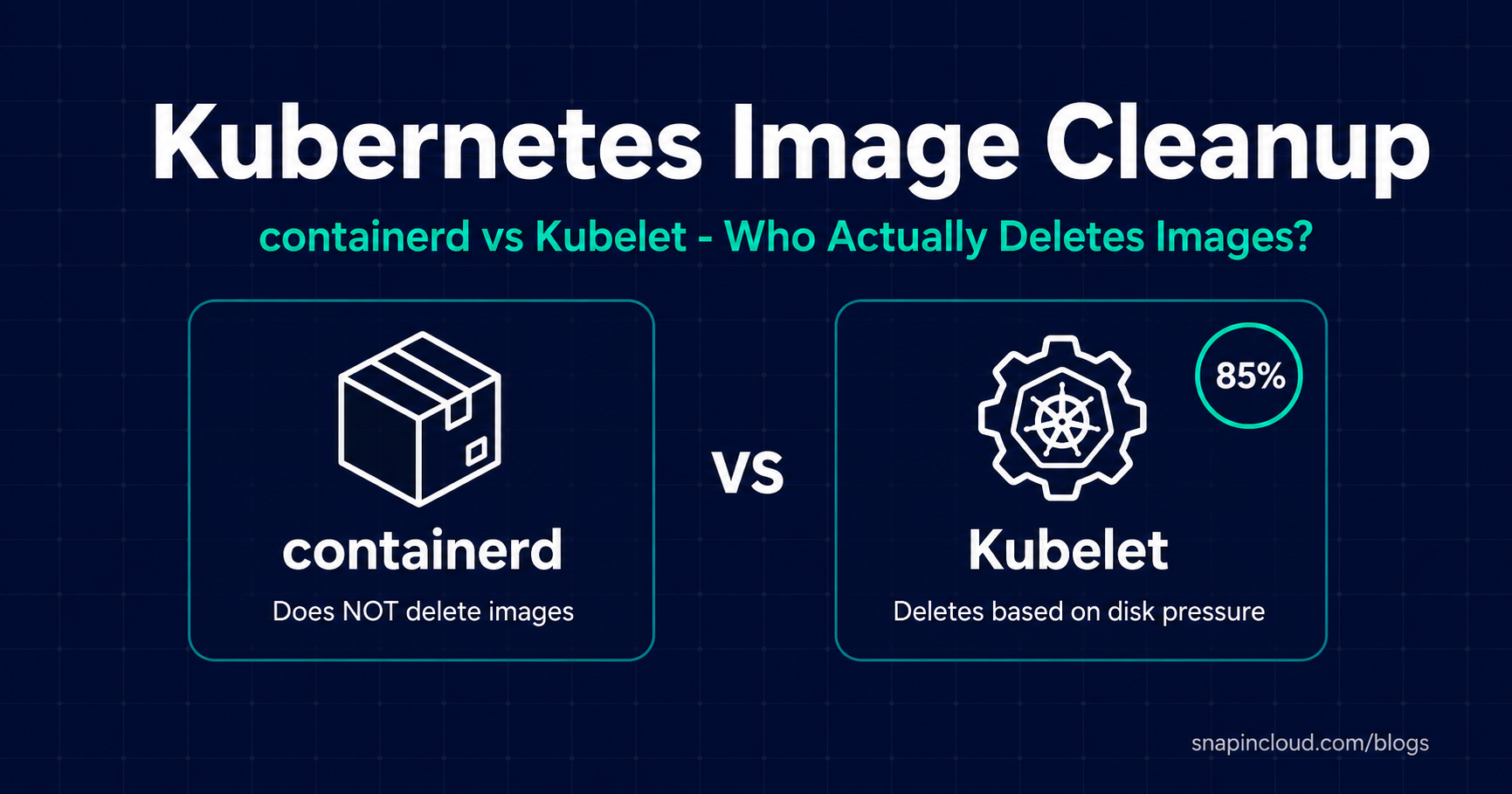
A Kubernetes image cleanup timeout is often blamed when container images disappear from production nodes. In practice, containerd has no default time-based image cleanup: the kubelet usually removes unused images in response to disk pressure. This guide explains the difference and shows which settings to check.
A while back, I was troubleshooting an issue where container images kept disappearing from nodes in a production cluster. Pods were failing to start, and the initial thought was containerd was silently cleaning up images after some timeout period. Spent way too long looking in the wrong place.
Turns out, containerd doesn’t do that. It has no default time-based image cleanup. It won’t delete an image just because it’s been sitting around for hours or days. The actual cleanup happens at the kubelet level, driven by disk pressure – not time.
I wrote this post because the “containerd timeout” misconception keeps showing up in Slack channels and Stack Overflow threads, and the correct answer is scattered across multiple docs pages.
TL;DR
- containerd does not delete images based on age. Its GC only cleans up orphaned layers after an
image has already been removed by something else. - The kubelet handles image garbage collection, triggered when disk usage crosses a threshold.
- Defaults: GC kicks in at 85% disk usage, stops at 80%.
imageMaximumGCAge(beta since Kubernetes 1.30) lets you add time-based cleanup, but it’s disabled by
default.- Oldest-unused images get deleted first.
Wait, Doesn’t containerd Have a Garbage Collector?
It does, but it doesn’t do what most people think.
containerd’s GC operates at a much lower level. It cleans up orphaned data – content blobs, layers, snapshots – that are left behind after an image has already been explicitly deleted. If an image exists in containerd’s store, it stays. Period. No expiry, no TTL, no scheduled cleanup.
You might have come across containerd.io/gc.expire labels in the docs. Those apply to leases used during temporary operations like in-progress image pulls. They’re not an image lifecycle feature.
A useful mental model: the kubelet is the one who decides “this image needs to go.” containerd’s GC is just the janitor who mops up after the image is already gone.
Kubernetes Image Cleanup Timeout: How It Actually Works
The kubelet on each node runs a garbage collection loop. Every 5 minutes, it checks disk usage on the filesystem where images live (called imageFs). If usage crosses a threshold, the kubelet starts deleting unused images – oldest-unused first – until disk usage drops back down.
That’s it. It’s disk-pressure-driven, not time-driven. The official Kubernetes documentation on container image garbage collection describes this kubelet-managed behaviour in more detail.
The Defaults
| Parameter | Default | What it does |
|---|---|---|
imageGCHighThresholdPercent |
85 |
GC starts when disk hits 85% |
imageGCLowThresholdPercent |
80 |
GC stops once disk drops to 80% |
imageMinimumGCAge |
2m |
Image must be unused for 2 min before it’s eligible for GC |
imageMaximumGCAge |
0s (off) |
No age-based removal unless you explicitly set this |
A couple of other intervals worth knowing:
- The image GC loop runs every 5 minutes
- Container GC (cleaning up dead/exited containers, separate thing) runs every 1 minute
containerd GC vs Kubelet Image GC – They’re Not the Same Thing
I want to be clear about this because the comparison can be confusing. These are not two competing cleanup mechanisms. They work at completely different layers.
| Aspect | containerd GC | Kubelet Image GC |
|---|---|---|
| What it does | Sweeps up orphaned blobs after an image is already gone | Decides which images to delete from the node |
| Deletes whole images? | No | Yes |
| What triggers it | Something else removed an image reference | Disk usage exceeds threshold |
| Time-based? | No | Optional (imageMaximumGCAge, off by default) |
| Disk-aware? | No | Yes – that’s the whole point |
| You’ll notice it? | Almost never | Yes – your images disappear |
If images are vanishing from your nodes, it’s the kubelet. Not containerd.
Common Reasons Images Disappear
If you’re seeing images go missing and you didn’t delete them yourself, check these in order:
- Disk pressure hit 85%. The kubelet started cleaning up. This is the most common cause by far.
- Node got recycled. Cloud autoscalers terminate and replace nodes all the time. New node = no
cached images. - Someone ran a manual cleanup.
crictl rmi,ctr image rm, or a CronJob
doing image pruning. - A cleanup tool is running. Tools like Eraser or custom DaemonSet scripts that prune images on a
schedule. imageMaximumGCAgeis set. If your cluster explicitly configured this, images unused
beyond that duration get removed regardless of disk pressure.
Checking Your Cluster’s Settings
You can inspect the live kubelet config on any node:
kubectl get --raw "/api/v1/nodes/<NODE_NAME>/proxy/configz" | jq '.kubeletconfig'You’ll need RBAC access to the node proxy subresource. Some hardened clusters restrict this.
Look for:
{
  "imageGCHighThresholdPercent": 85,
  "imageGCLowThresholdPercent": 80,
  "imageMinimumGCAge": "2m0s",
  "imageMaximumGCAge": "0s"
}
If imageMaximumGCAge is "0s", there’s no age-based cleanup – only disk pressure matters.
For the complete list of available fields and their version-specific behaviour, see the official KubeletConfiguration reference.
Example: Tuning GC for Production
apiVersion: kubelet.config.k8s.io/v1beta1
kind: KubeletConfiguration
imageGCHighThresholdPercent: 80
imageGCLowThresholdPercent: 70
imageMinimumGCAge: "5m"
imageMaximumGCAge: "168h"   # 7 days
Here I’ve lowered the thresholds (so GC kicks in earlier) and set a 7-day maximum age. Any image unused for over a week gets cleaned up even if disk is fine. Useful for security compliance – you don’t want images with known CVEs sitting on nodes forever.
Tune these based on your situation: image sizes, registry latency, node disk capacity, and how quickly you need pods to start.
Practical Tips
- Monitor
imageFsdisk usage. Use node-exporter metrics like
node_filesystem_avail_bytesor the kubelet’s/stats/summaryendpoint. Set alerts well
before 85% so you’re not surprised by sudden GC. - Smaller disks need lower thresholds. On nodes with limited storage, 85% might leave you almost no
headroom. Consider 75/65 instead. - Need an image to always be on the node? Run a lightweight DaemonSet (like a
pauseor
sleep infinitycontainer) using that image. The kubelet won’t GC any image that has a running container
using it. SetimagePullPolicy: IfNotPresentso it doesn’t re-pull every time. - Don’t count on containerd for lifecycle management. It’s not built for that. Policy-driven
cleanup belongs at the kubelet layer. - Check for conflicting cleanup tools. If you’re running Eraser, a custom pruning CronJob, or
similar – make sure it’s not fighting with kubelet GC.
FAQ
Does containerd delete images after 24 hours?
No. That 24-hour number you might have seen refers to lease expiration for temporary operations (like incomplete image pulls). It’s not image cleanup.
What actually triggers image deletion?
Disk usage exceeding imageGCHighThresholdPercent (85% by default). The kubelet removes unused images, oldest first, until it’s back below the low threshold.
Can I set a time-based cleanup?
Yes – imageMaximumGCAge in KubeletConfiguration. Set it to something like "72h" and any image unused for 3+ days gets cleaned up. You need Kubernetes 1.29+ (alpha) or 1.30+ (beta, enabled by default) for this.
Will running pods lose their images?
No. The kubelet only GC’s images not in use by any running container.
How do I pin an image so it never gets GC’d?
Keep a running container that uses it. A DaemonSet with a pause container referencing the image works well. There’s no “pin image” flag in Kubernetes.
Same behavior on CRI-O?
Yes. The kubelet’s image GC logic is runtime-agnostic – it talks to any CRI-compliant runtime the same way.
Wrapping Up
A Kubernetes image cleanup timeout is not a containerd default. The kubelet owns image lifecycle, and it’s driven by disk usage. If you want time-based cleanup, you need to opt in via imageMaximumGCAge.
Next time images vanish from your nodes, check disk usage first. Odds are, the kubelet did exactly what it was configured to do.
For another practical infrastructure explainer, read my guide to LLMs, agents, and MCP.